Fresh gourmet lunch bowl with colorful vegetables and protein on modern office desk
We're now accepting orders • Freshness in every order

Never Think About Lunch Again

Daily meals crafted by our chefs and delivered to your office at your time. Personalized to your taste and dietary needs.

Available on iOS & Android
No credit card required

Simple Process

How Mealy Works

Set it once, enjoy daily chef-crafted lunches. Modify anytime before 9:30 AM.

1

Sign Up & Set Preferences

Complete a quick app tour and tell us your dietary preferences. Vegan? Pescatarian? Gluten-free? We've got you covered.

One-time setup

Choose the flavors you crave and ingredients to avoid. Your taste profile helps our chefs craft meals perfectly suited to your palate.

2

Chef Selects Your Daily Meal

Every day at 5 PM, our chef picks tomorrow's perfect lunch based on your preferences, dietary restrictions, and past feedback.

Automated daily

Wake up to your lunch already planned. Review and modify if desired before 9:30 AM.

3

Modify Before 9:30 AM

Check your order anytime between 5 PM and 9:30 AM. Change it if you want something different.

9:30 AM cutoff

Get reminders at 5 PM, 8 PM, and 8 AM. Order locks at 9:30 AM sharp, payment auto-charged.

4

Fresh Meal Delivered to Your Desk

Your lunch arrives hot and fresh during lunchtime. Delivered right to your office desk with photo proof.

Workplace delivery

Available for office professionals. Expanding to more locations throughout 2026.

5

Rate & Help Our Chefs Improve

After eating, simply like or dislike the meal. Your feedback helps our chefs understand your preferences better.

Personalized service

Every rating helps us tailor future meals to your exact taste. After 2 weeks, we'll know you perfectly.

Diverse Selection

Popular Meal Categories

From global flavors to local favorites, our chefs create meals across diverse categories.

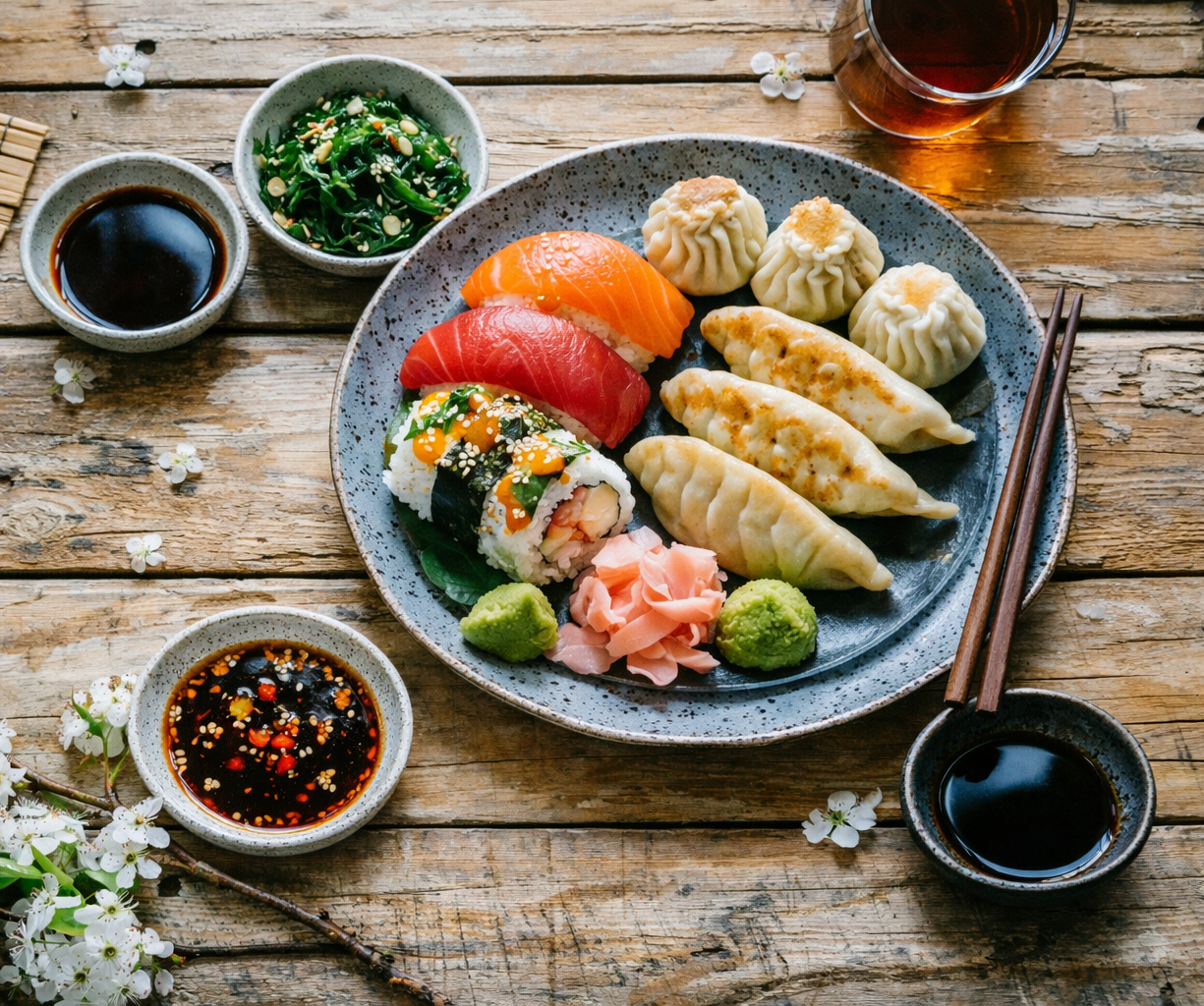
International cuisine - Italian pasta with fresh basil and parmesan cheese

International

Italian, French, Japanese, Mediterranean classics

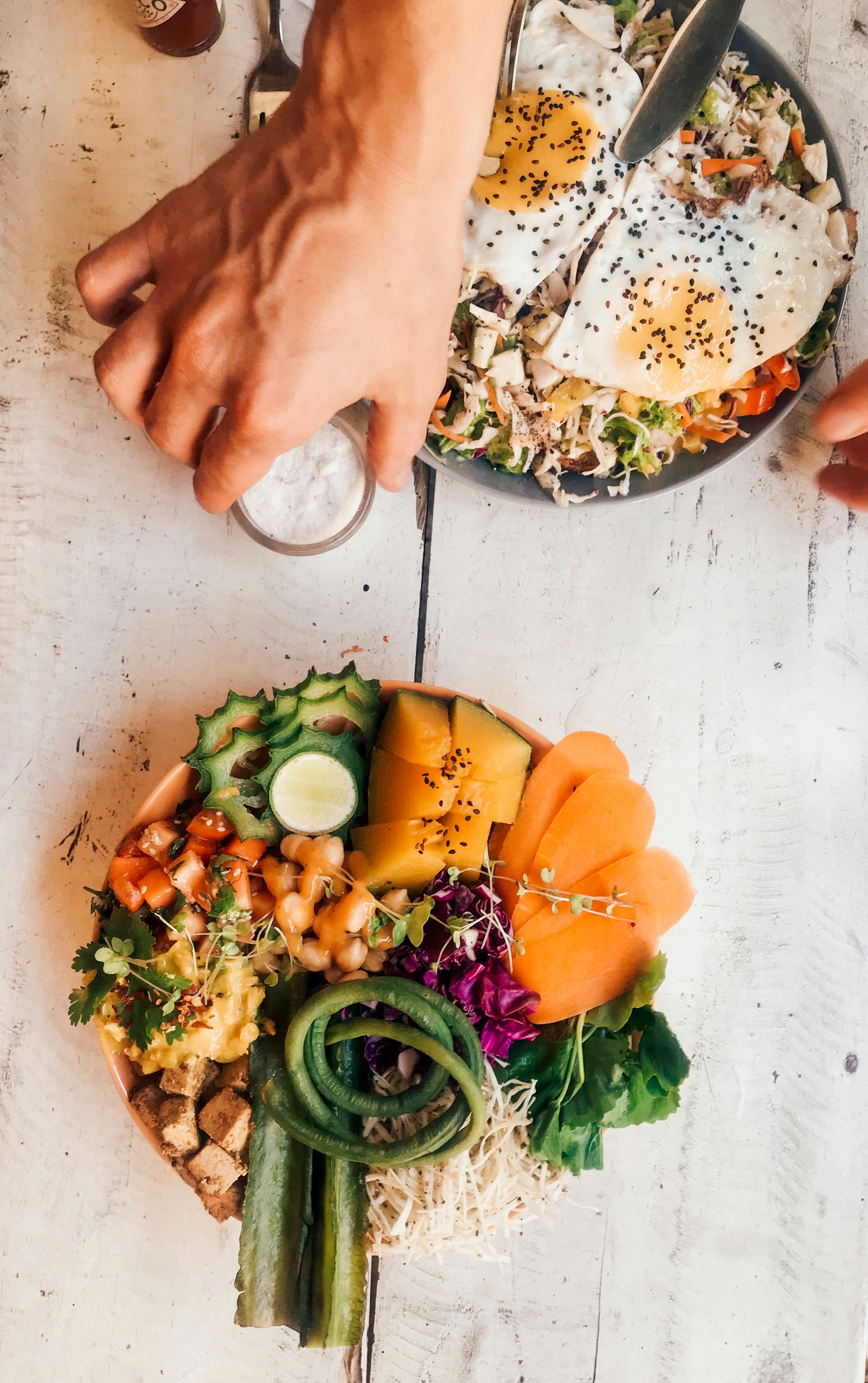
Fusion cuisine - Asian-inspired bowl with fresh vegetables and sesame seeds

Fusion

Asian-Latin, Euro-Asian, creative combinations

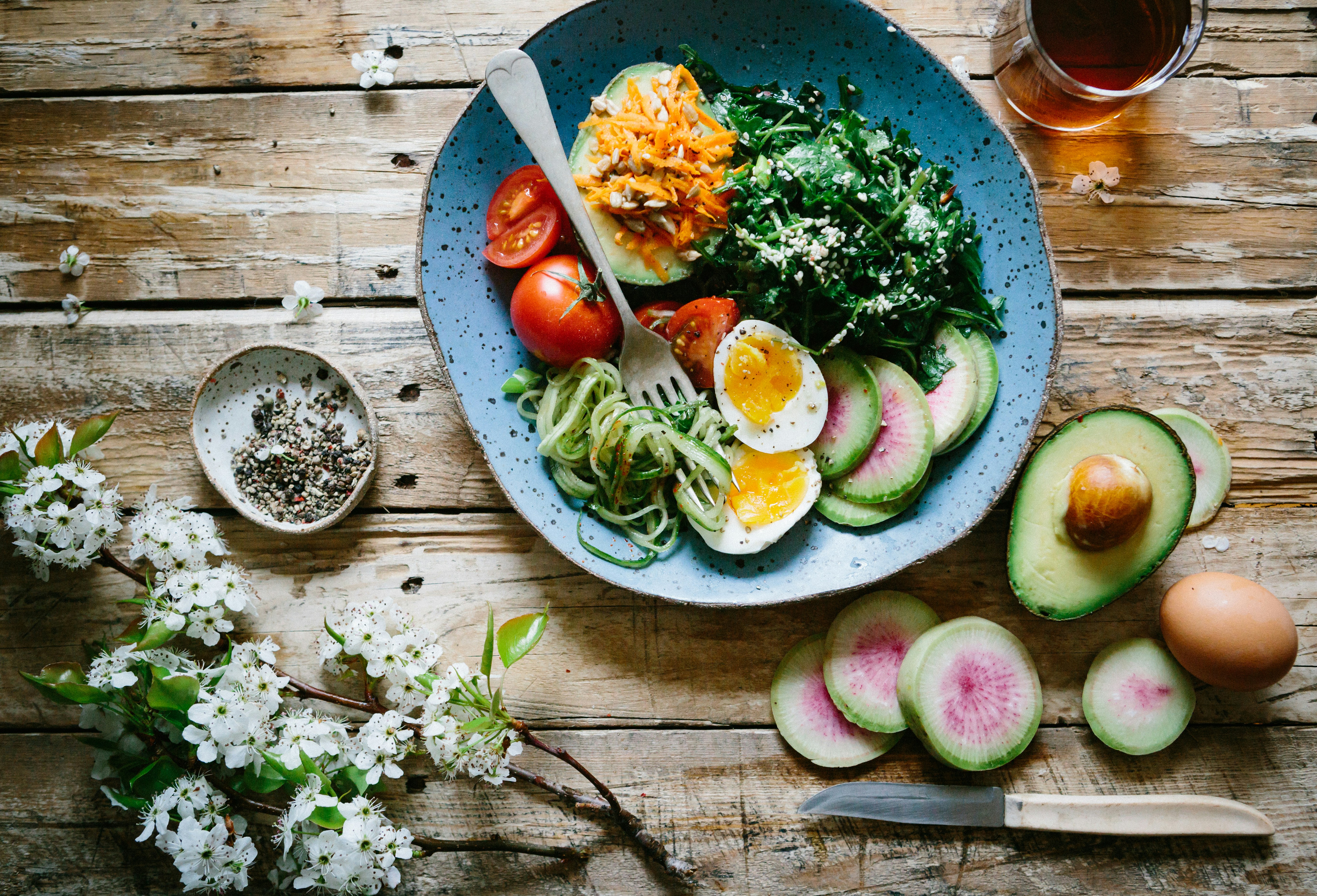
Natural healthy cuisine - Colorful salad bowl with fresh organic vegetables and quinoa

Natural

Organic, plant-based, clean eating options

Local American cuisine - Gourmet burger with artisan bun and fresh ingredients

Local

American comfort food, regional specialties

Rotating menu keeps every week exciting and fresh

Mobile Experience

Simple, Beautiful & Intuitive

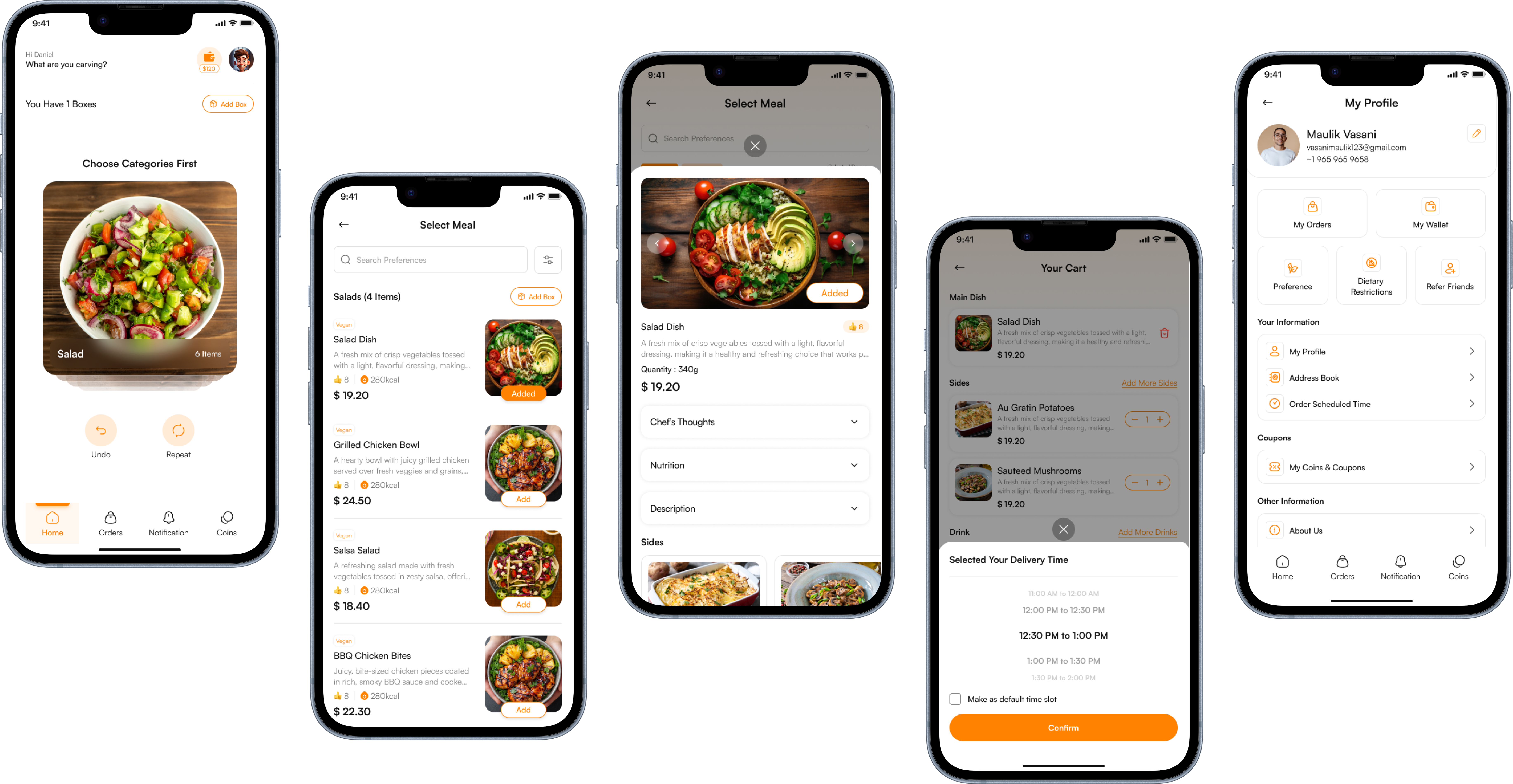
Everything you need to manage your daily meals in one elegant app.

App home screen

Real product screens. Smooth. Simple. Built for speed.

Easy Customization

Adjust your preferences, dietary restrictions, and favorites anytime

Smart Reminders

Get notified about your meal selection and delivery updates

Secure & Reliable

Your data is encrypted and payments are processed securely

Download the Mealy App

Get started by installing the app from your favorite store.

Available on iOS & Android. Fast, reliable, and built for ease.

Got Questions?

Frequently Asked Questions

How does meal selection work?
Every night at midnight, our system selects a meal based on your dietary preferences, past feedback, and category rotation. You'll receive a notification to review your selection, and you can modify it anytime before 9:30 AM.
What if I don't like my selected meal?
You can change your meal anytime between 5 PM and 9:30 AM. Browse our daily menu and select something else that appeals to you. Plus, rating meals helps us understand your preferences better.
Can I cancel my daily order?
Yes! You can cancel tomorrow's meal anytime before 9:30 AM. After 9:30 AM, the order is locked and payment is processed. Orders are only created for working days (Monday-Friday) by default.
Can I update my dietary preferences and allergens?
Yes! You can update your dietary preferences and allergens anytime through your Mealy account. Simply go to your profile settings in the app or web portal, make your changes, and save them. Your updates will apply immediately to filter your menu options and help our Kitchen Partners prepare safe, personalized meals for you.
How do I update my dietary preferences or allergen information?
To update your dietary preferences or allergen information, open the Mealy app and tap your Profile icon, then go to Dietary Preferences to update Dietary Preferences or go to Allergen Information to update your allergen information. Select or deselect options, then tap Save. Your changes will apply to future meal recommendations immediately.